What Is TikTok Shop’s Content Posting Limit (CPL) and How Does It Affect Sellers?
Erra02 Jan 2026 08:37ENCopy link & title
TikTok Shop's Content Posting Limit (CPL) is a quality control mechanism designed to ensure that shoppable content on the platform remains engaging, interactive, and genuinely helpful to viewers. If you rely heavily on shoppable videos to drive sales, understanding how CPL works is critical to protecting your product exposure.
This guide explains what CPL is, when it is triggered, what happens to your content, and how to check if your account is affected.

What Is the TikTok Shop Content Posting Limit (CPL)?
The TikTok Shop Content Posting Limit (CPL) is a control set by TikTok to limit how many shoppable videos a seller can post within a certain time frame. When CPL is applied to your account, your content is not removed. Your videos or LIVE streams will still be published and visible to viewers. However, the key difference is that product links (product anchors) will be hidden, meaning viewers can watch your content but cannot click through to purchase the product.
This restriction applies only to TikTok Shop content that includes product links. Videos or LIVEs posted without product anchors are not affected, and regular non-shoppable content can continue to be published as usual.
The purpose of CPL is not to penalise sellers, but to encourage better-quality, more engaging shopping content on TikTok Shop.
Why Does TikTok Apply Posting Limits?
TikTok Shop focuses on creating a shopping experience that feels authentic and interactive. Content is expected to:
-
Show the product clearly and realistically
-
Engage viewers through explanations, demonstrations, or interaction
-
Help viewers understand the product's value before buying
Posting limits are typically triggered when a seller repeatedly uploads content that does not meet these expectations. Too much low-quality or passive content can reduce trust and harm the overall shopping experience for users.
What Is Considered “Non-Interactive” Content?
Non-interactive content usually refers to videos that:
-
Do not show active product usage or demonstration
-
Lack voice, on-screen interaction, or engagement prompts
-
Look repetitive, automated, or static
If a seller publishes five or more non-interactive videos within a 7-day period, TikTok Shop may apply a content posting limit to the account. In short, consistently posting content that looks inactive or unengaging increases the risk of CPL being triggered.
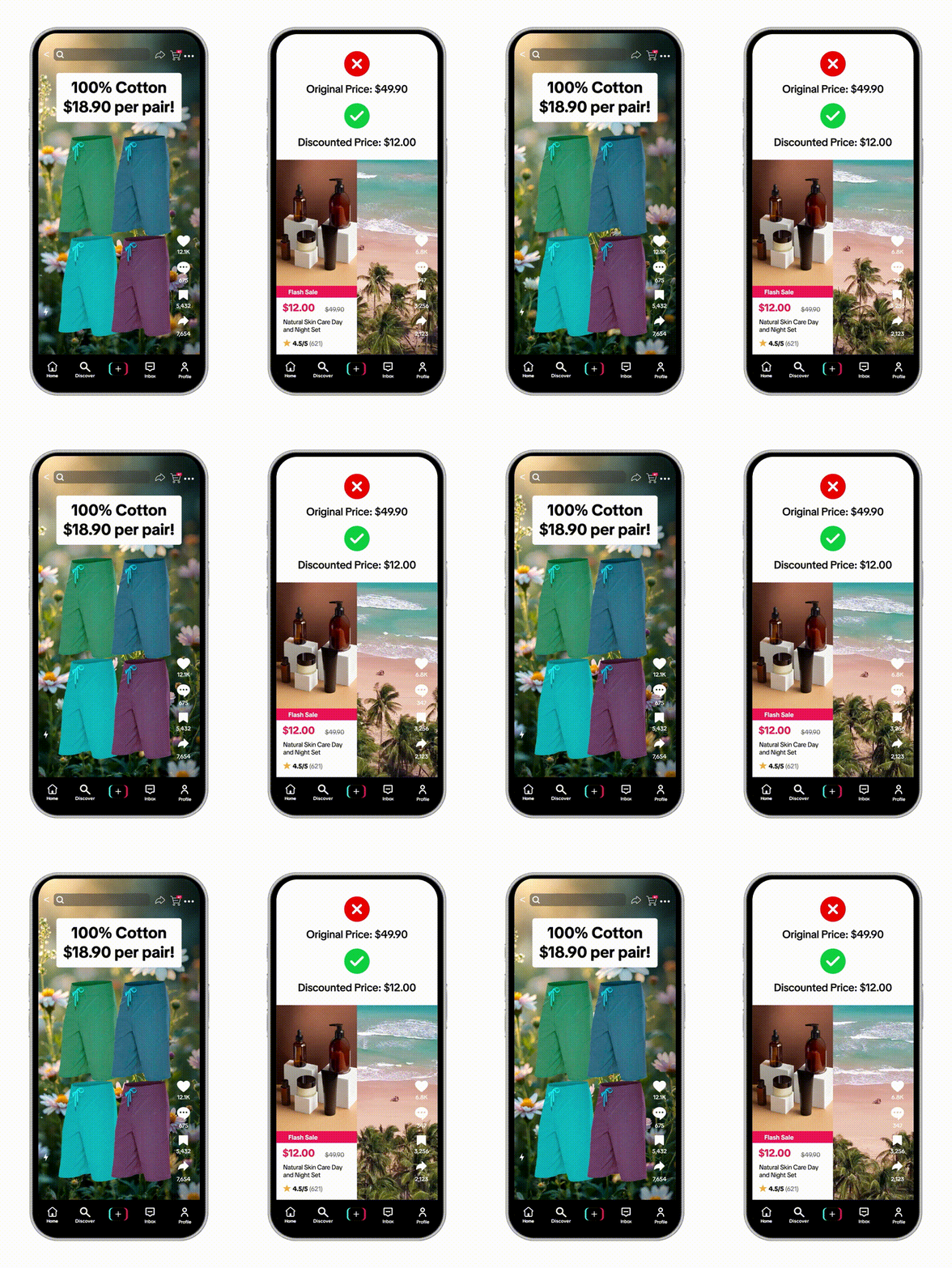
TikTok Shop Content Posting Limit: Key Rules
When your account is under a Content Posting Limit (CPL), TikTok enforces specific restrictions on your shoppable videos:
-
You can post up to 7 TikTok Shop videos within 7 days.
-
Only the first 7 videos will show product links.
-
Any additional shoppable videos posted during this period will be published without product links, so viewers can watch but cannot purchase.
What's Not Affected
CPL only applies to TikTok Shop content with product links. Other types of content remain unaffected:
-
LIVE streams can still be broadcast as usual
-
Non-shoppable videos are unaffected
-
Regular TikTok content without product links can continue to be posted
What Happens After You Hit the Posting Limit?
If you reach your CPL quota:
-
New shoppable videos and LIVEs will still go live
-
Product links will be hidden
-
This restriction lasts until the current posting limit period ends
After the limit period is over:
-
Product links on videos posted during the restriction will remain hidden
-
Only new content posted after the period ends will show product links again
Example: How the Posting Limit Works
-
Posting limit period: 1 March – 7 March
-
Allowed TikTok Shop videos: 7
|
Video Number |
Product Link Status |
|
1–7 |
Visible |
|
8 and beyond |
Hidden |
Even though your videos remain visible, their ability to drive sales is reduced because viewers cannot click the product links.
How to Check if Your Account Is Affected
To see if your CPL is active:
-
Go to Videos in your TikTok Shop account
-
Tap Manage
-
Look for a “ Content Quality Violation ” notice
-
Tap the notice to view details about your posting quota
Once the posting limit period ends and content quality improves, you can resume posting shoppable videos with active product links.


Focus on Quality Over Quantity
TikTok Shop's Content Posting Limit shows that content quality now directly affects product link visibility. For sellers managing multiple products and platforms, staying consistent while meeting platform expectations requires tighter operational control.
BigSeller helps sellers manage listings, orders, inventory, and promotions across TikTok Shop, Shopee, Lazada, and more in one system. With smoother backend workflows, sellers can focus more on producing interactive content that supports long-term growth.
Try BigSeller for free and simplify multi-channel selling while scaling more efficiently.
(All information in this article is based on the “ TikTok Shop Content Posting Limit ” from TikTok Shop Academy.)