New TikTok Shop Rules: How to Avoid the Video Posting Limit Starting March 30
Erra05 Mar 2026 05:12ENCopy link & title
If you are a TikTok seller or affiliate, understanding these changes is crucial to ensuring your products stay visible and your account remains in good standing. Here is everything you need to know about the new limits and how to keep your sales momentum going.

What is the New TikTok Shop Video Posting Limit?
Beginning March 30, TikTok will track your content quality over a rolling 7-day period. If you publish 5 or more non-interactive or misleading TikTok Shop videos within any 7-day window, a posting limit will be triggered.
What happens when a limit is applied?
-
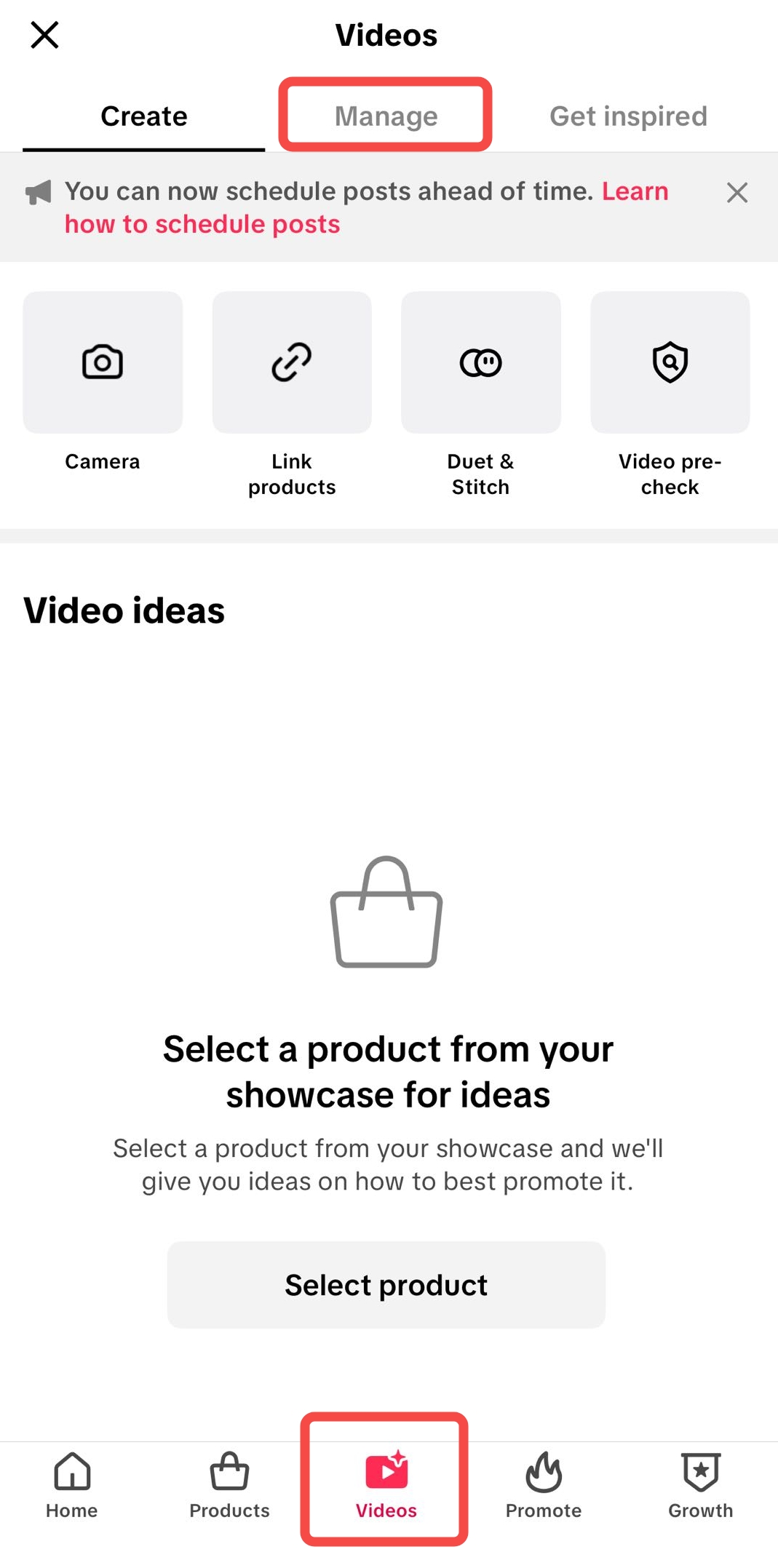
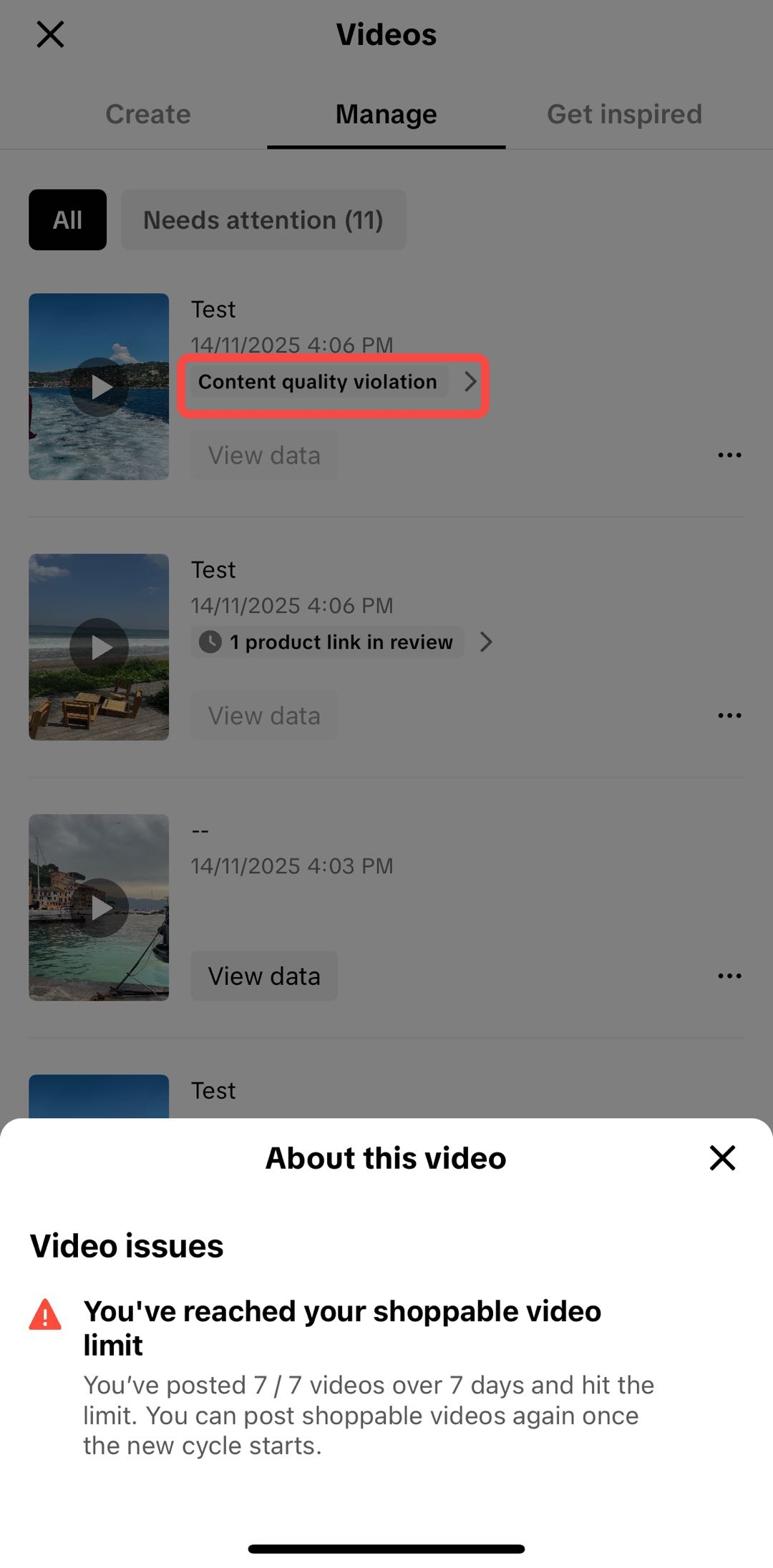
You will only be allowed to publish 7 TikTok Shop videos (videos with product links) within the next 7 days.
-
You can still upload more videos, but TikTok will automatically hide the product links on any video beyond the limit. This means viewers won't be able to click and buy, effectively killing your conversion rate for those posts.
What to Avoid: The "Red Flags"
TikTok is specifically targeting two types of content that diminish the user experience:
1. Non-Interactive Videos
These are often flagged as "low-effort" content. Examples include:
-
Static images with music.
-
Videos with zero on-screen activity or engagement.
-
Looping the same 5-second clip for several minutes.
-
Content that lacks meaningful real-time interaction.
2. Misleading Videos
TikTok wants to ensure that what a customer sees is what they get. Avoid the following:
-
Inconsistent Product Promotion: Showing one product in the video but linking to a completely different one in the Shop.
-
Misleading Functionality: Using filters or "camera magic" to show a product doing something it cannot actually do in real life.
-
Sympathy-based Promotions: Using "guilt-tripping" or fake emotional stories to bait users into clicking or buying.
A Note on AI-Generated Content (AIGC)
Many sellers use AI tools to scale their video production. While TikTok allows AI content, the same rules apply. If your AI-generated videos are non-interactive, repetitive, or misleading, they will count toward your limit and trigger the penalty.
How to Protect Your TikTok Shop Account
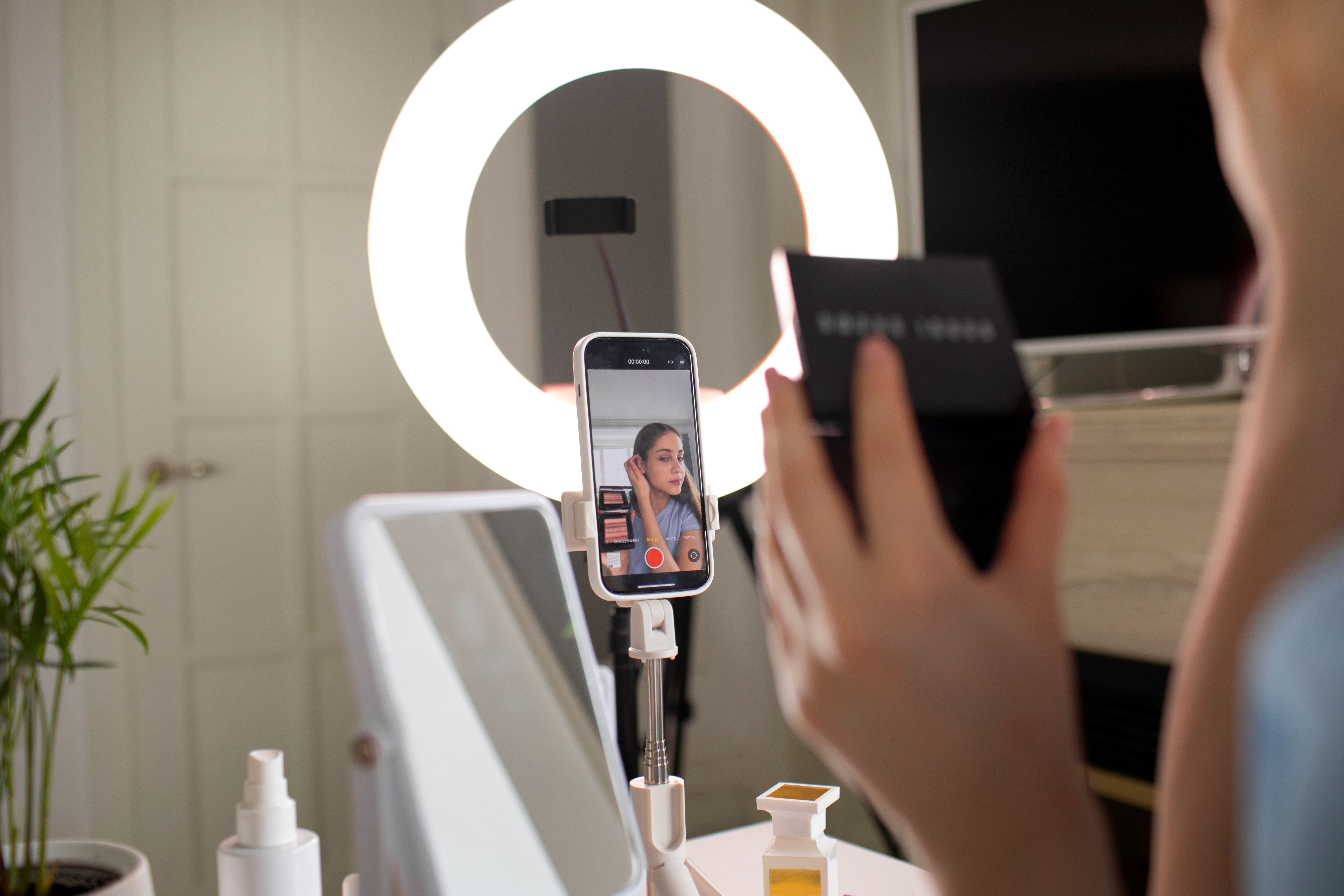
To avoid the CPL, focus on Quality over Quantity. Instead of "spamming" dozens of low-effort videos, focus on:
-
Authentic Reviews: Show the product being used in a real-world setting.
-
Educational Content: Demonstrate how the product works or solve a specific problem for the viewer.
-
Engagement: Respond to comments and use on-screen text to keep the viewer’s attention.
Want to Dive Deeper?
Understanding the "Content Posting Limit" is essential for long-term success on the platform. If you’re still unsure about the specifics or how this might impact your specific niche, check out this comprehensive guide on What Is TikTok Shop’s Content Posting Limit (CPL) and How Does It Affect Sellers?
Ready to Scale Your TikTok Store?
Don't let posting limits or manual errors slow your growth. Take control of your e-commerce business with BigSeller, the most trusted ERP in Southeast Asia.
-
Try BigSeller for FREE: Sign up today and explore our powerful suite of management tools at zero cost.
-
Exclusive Offer: Claim your 7-day VIP trial coupon to unlock premium features, including advanced analytics and priority support.
Sign Up for Free & Claim Your VIP Trial Now!
Source:
TikTok Shop Content Posting Limit