How to Manage Multiple Shopee Philippines Stores from One Dashboard
Jayson18 Jun 2026 09:51ENCopy link & title
1. Why Multiple Shopee Stores Become Difficult to Manage
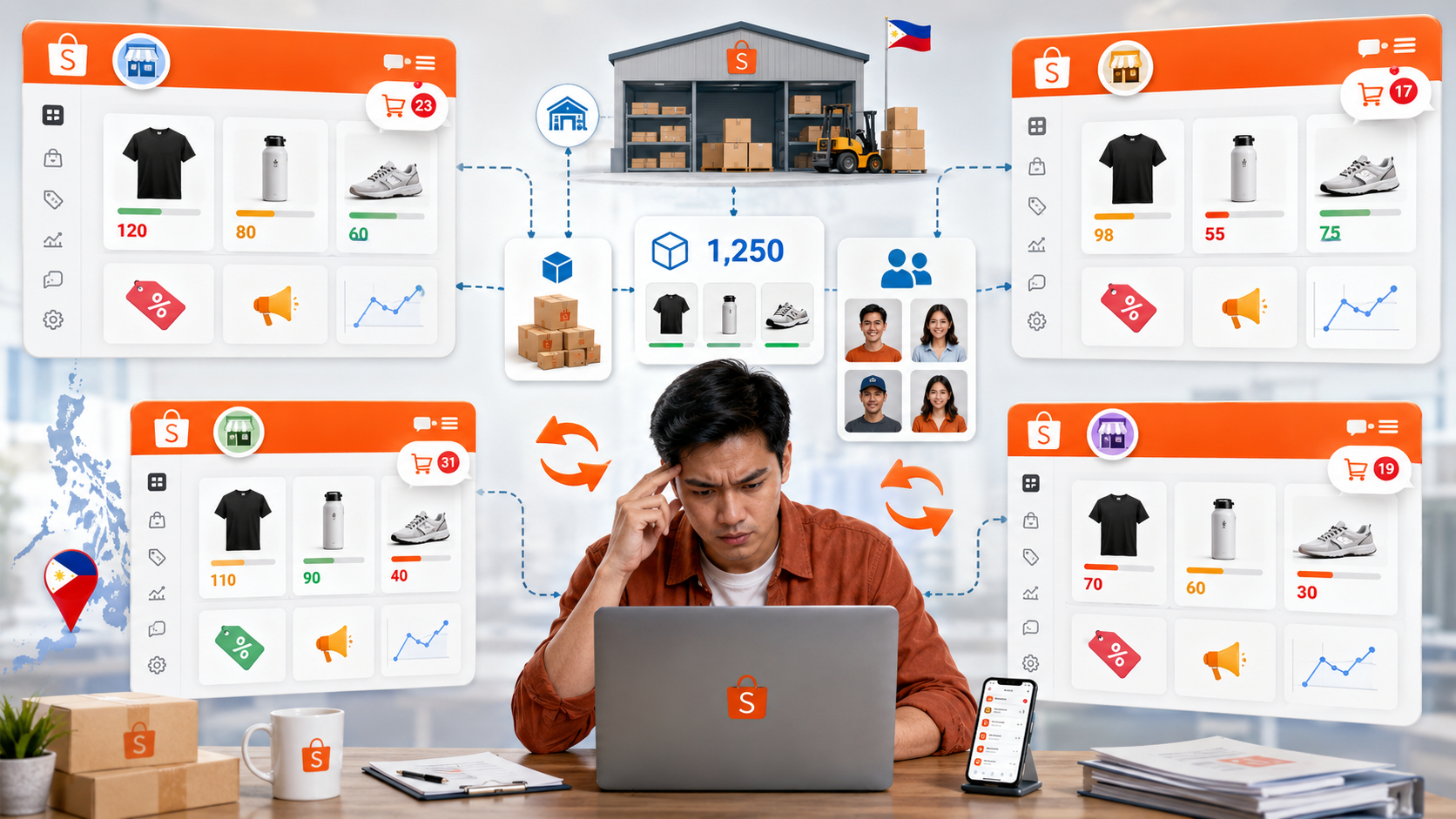
Managing several Shopee Philippines stores with shared products, staff, stock, and warehouse resources creates more complexity. Sellers spend time switching between Seller Center accounts, checking duplicated listings, updating promotions, reconciling inventory, and reviewing orders store by store.
The main problems usually include:
- Orders and exceptions are spread across separate store accounts.
- The same SKU may show different available stock in different stores.
- Products, prices, and promotional settings require repeated updates.
- COD orders, cancellations, returns, and refunds are harder to monitor together.
- Warehouse staff cannot easily prioritize work across all stores.
- Owners lack one consolidated view of sales, profit, and store performance.
Shopee Seller Center is still necessary for official settings and campaign actions. Once store-by-store work becomes fragmented, sellers should consider a multi-store ERP that connects the surrounding operational work.
2. What to Look for in Multi-Store Management Software
Philippine sellers should evaluate software using specific workflows instead of choosing based on a long feature list.
| Evaluation Area | What Sellers Should Check |
|---|---|
| Store management | Can several Shopee stores be viewed and managed in one system? |
| Orders | Can orders, statuses, exceptions, and after-sales requests be centralized? |
| Inventory | Can stock be shared, reserved, or allocated across stores and warehouses? |
| Products and promotions | Can listings, prices, discounts, flash sales, and bundles be managed in bulk? |
| Fulfillment | Does it support shipping labels, pick lists, packing lists, warehouse routing, and barcode checks? |
| Team access | Can different employees work on products, orders, warehouse tasks, and reports? |
| Reporting | Can the owner review sales, estimated profit, cancellations, returns, and SKU performance together? |
| Scalability | Can the system support more stores, staff, platforms, warehouses, and orders later? |
⭐ The right software should not only display multiple stores. It should connect store activity to inventory, order processing, fulfillment, and reporting.
3. How BigSeller Centralizes Multiple Shopee Stores
BigSeller is a centralized ERP for products, orders, inventory, warehouses, people, and finance. Its value comes from connecting store workflows rather than handling each Shopee shop separately.
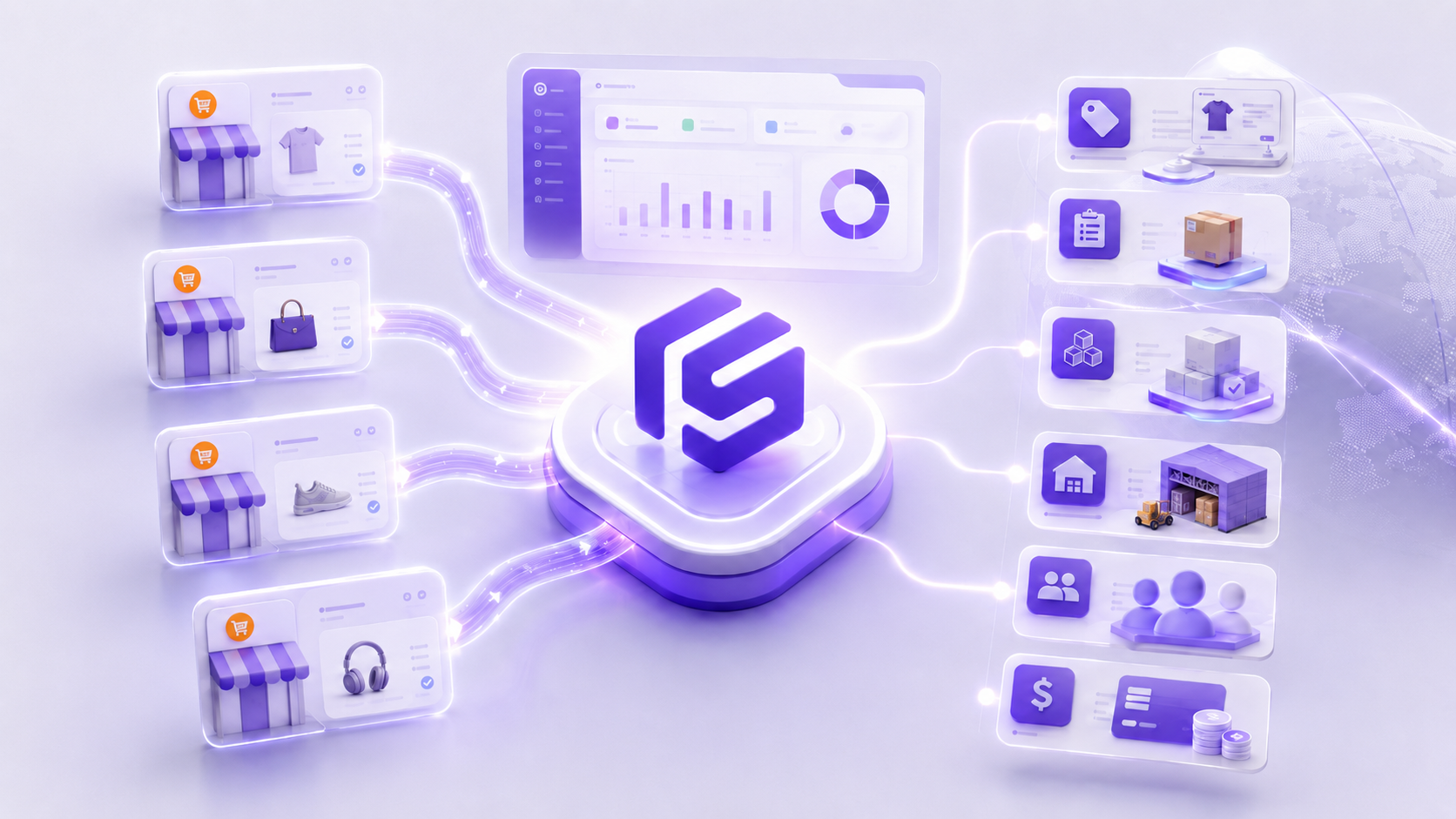
Manage products and promotions across stores
BigSeller supports bulk product sourcing, migration, listing, scheduled operations, image tools, watermarks, and translations across stores. Sellers can also manage Shopee promotions from one operational system.
This helps teams update prices, product information, images, discounts, flash sales, and bundles across similar store catalogs.
Centralize orders and after-sales work
BigSeller automatically syncs orders from connected platforms into one place. Sellers can use order tags, batch printing, shipping labels, pick lists, packing lists, invoices, exception handling, returns, and refunds to standardize processing across stores.
The team can identify urgent, risky, out-of-stock, cancelled, or after-sales orders through one consolidated workflow.
Keep inventory connected to store activity
⭐ BigSeller supports real-time stock updates, inventory sharing, campaign reservations, warehouse transfers, stock alerts, and smart purchasing workflows. These controls help reduce the risk of several Shopee stores selling the same limited stock at the same time.
For Shopee promotions, BigSeller's official documentation explains how sellers can sync promotion information and reserve campaign stock. When the promotion starts, reserved inventory can be allocated to promotional orders. This is more specific than simply showing a total stock number in a dashboard.
Connect orders to warehouse fulfillment
Multi-store software becomes more valuable when it connects orders to physical warehouse work. BigSeller supports wave picking, smart sorting, shipping documents, barcode checks, warehouse assignment, and mobile order handling.
A typical workflow is:
Shopee order sync → inventory matching → warehouse assignment → picking → packing → barcode check → shipping → stock update
This standardizes warehouse processing even when orders originate from different Shopee stores.
Review store performance in one place
BigSeller consolidates sales, estimated profit, SKU performance, cancellations, after-sales activity, inventory movement, and store health indicators. Owners can compare performance without manually combining exports from several store accounts.
Vist our website to know more 👉BigSeller ERP
4. Shopee Seller Center vs a Multi-Store ERP
Shopee Seller Center and BigSeller serve different roles.
| Tool | Main Role |
|---|---|
| Shopee Seller Center | Official Shopee listings, vouchers, campaigns, settings, and store-level actions |
| Multi-store ERP | Cross-store orders, shared inventory, warehouse execution, staff workflows, and consolidated reports |
⭐ Sellers do not replace Shopee Seller Center with an ERP. They use an ERP such as BigSeller to manage the operational work that becomes fragmented across multiple stores.
5. Who Should Consider BigSeller?
BigSeller is worth evaluating when a Philippine seller:
- Operates two or more Shopee stores.
- Shares products or inventory across stores.
- Also sells on Lazada, TikTok Shop, Facebook, or offline channels.
- Uses warehouse staff, several warehouses, or a third-party warehouse.
- Needs bulk promotion, order, label, picking, or packing workflows.
- Wants consolidated sales, profit, SKU, and after-sales reports.
- Expects store or order volume to continue growing.
A seller with one small store, few daily orders, and no shared inventory may not need a full ERP yet. Seller Center and a simple spreadsheet may still be sufficient until repetitive work and operational risk increase.
6. Frequently Asked Questions
Q: Can BigSeller manage multiple Shopee Philippines stores?
Yes. BigSeller is designed to centralize ecommerce products, orders, inventory, promotions, warehouse work, and reports across different stores and platforms.
Q: Does BigSeller replace Shopee Seller Center?
No. Seller Center remains the official Shopee backend. BigSeller adds a centralized operational layer for sellers who need to manage several stores, shared inventory, fulfillment, and consolidated reporting.
Q: Can stock be shared across several Shopee stores?
BigSeller supports inventory sharing, stock updates, campaign-reserved inventory, stock alerts, warehouse transfers, and marketplace inventory synchronization. Sellers should configure SKU mapping and inventory rules carefully before activation.
Q: Is BigSeller suitable for small Philippine sellers?
It can be suitable when a small seller already faces multi-store, multi-platform, stock, or fulfillment complexity. A very small single-store seller should first confirm whether an ERP will remove enough manual work to justify implementation.
7. Final Recommendation
⭐ BigSeller is a strong fit for Philippine sellers whose Shopee operations have outgrown store-by-store management. Its value comes from connecting multiple stores, inventory, orders, promotions, fulfillment, and reports in one operational dashboard while Shopee Seller Center continues to handle official platform actions.
Sources used:
- BigSeller Help Center: What is BigSeller?
- BigSeller Help Center: How to reserve inventory for Shopee promotion
- Shopee Philippines: Seller portal